
Spilled Liquid on Your MacBook?
Act fast — the next 60 seconds matter more than anything else. Here’s exactly what to do.
Step 1 — Power Off Immediately
Do not wait. Do not save your work. Hold the power button down until the MacBook shuts off. Liquid and electricity are a dangerous combination — every second it stays on increases the chance of permanent damage to the logic board.
Step 2 — Disconnect Everything
Unplug the charger, any USB devices, and external drives. Do not plug anything back in — not even to “check if it still works.”
Step 3 — Position It to Drain
Open the MacBook like a tent (keyboard facing down, screen up) on a dry towel. This lets gravity pull liquid away from the logic board. Leave it for at least 30 minutes.
Step 4 — What NOT to Do
- ❌ Do not put it in rice — rice does not absorb moisture from circuit boards. It wastes time and can introduce starch dust.
- ❌ Do not use a hairdryer — heat can warp the motherboard and screen.
- ❌ Do not try to turn it on — even to “test” it. This is how most liquid-damaged Macs get permanently destroyed.
- ❌ Do not shake it — this spreads the liquid to dry areas.
Step 5 — Bring It In as Soon as Possible
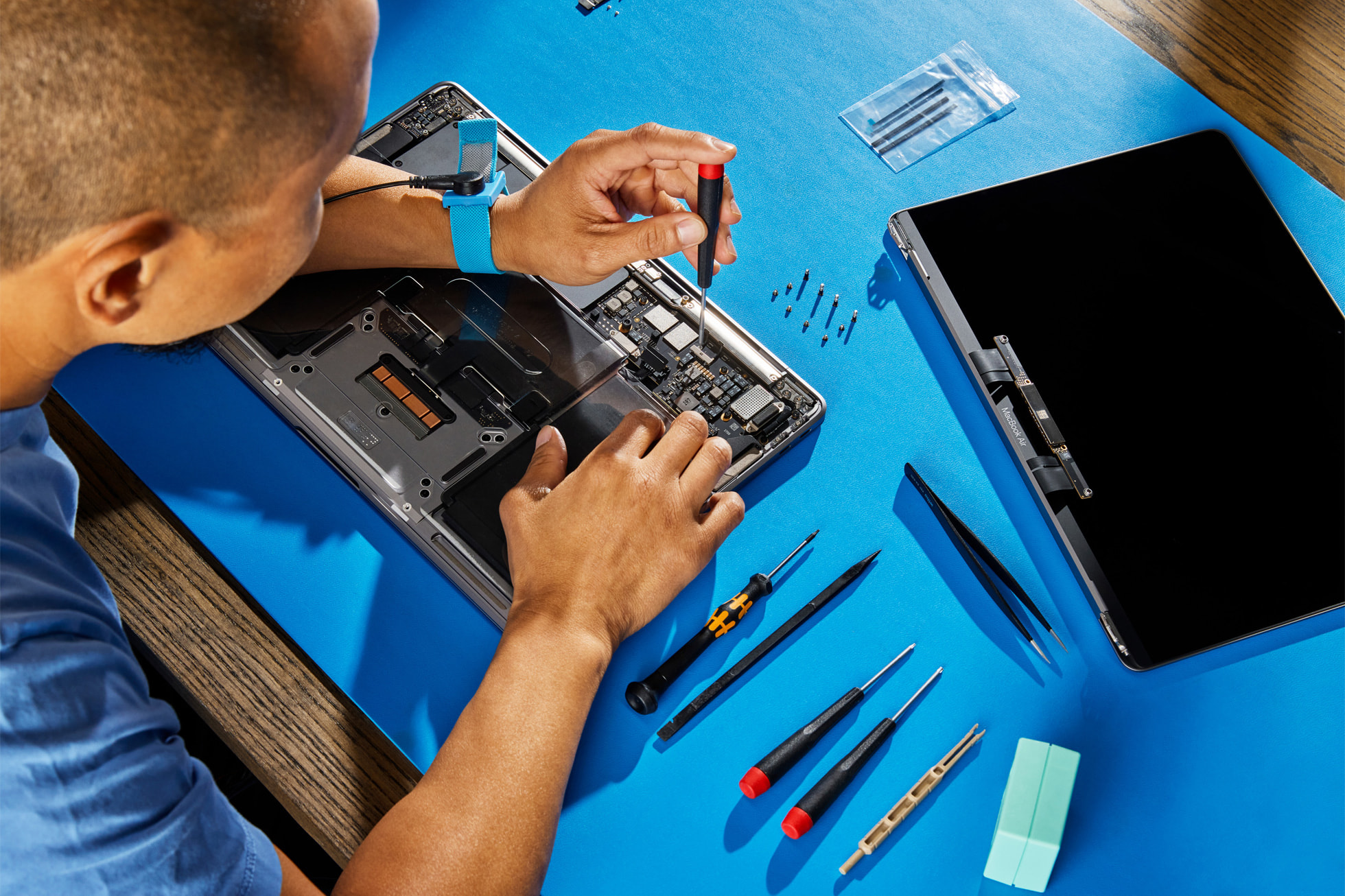
Even if it looks fine on the outside, liquid corrodes components over hours and days. The sooner we see it, the better the outcome. MacExperts uses ultrasonic cleaning equipment to remove corrosion and residue that drying alone can’t address.
What We Do at MacExperts
- ✓ Full disassembly and inspection under magnification
- ✓ Ultrasonic cleaning bath to remove corrosion
- ✓ Component-level logic board assessment and repair
- ✓ Free diagnostic — no fix, no fee
The honest truth: Liquid damage caught within 24 hours has a high recovery rate. Left for several days, corrosion spreads and the repair becomes significantly more complex. Call us on 0494 385 072 now.