
MacBook Black Screen: How to Fix
A black screen doesn’t always mean a dead Mac. Work through these steps before panicking.
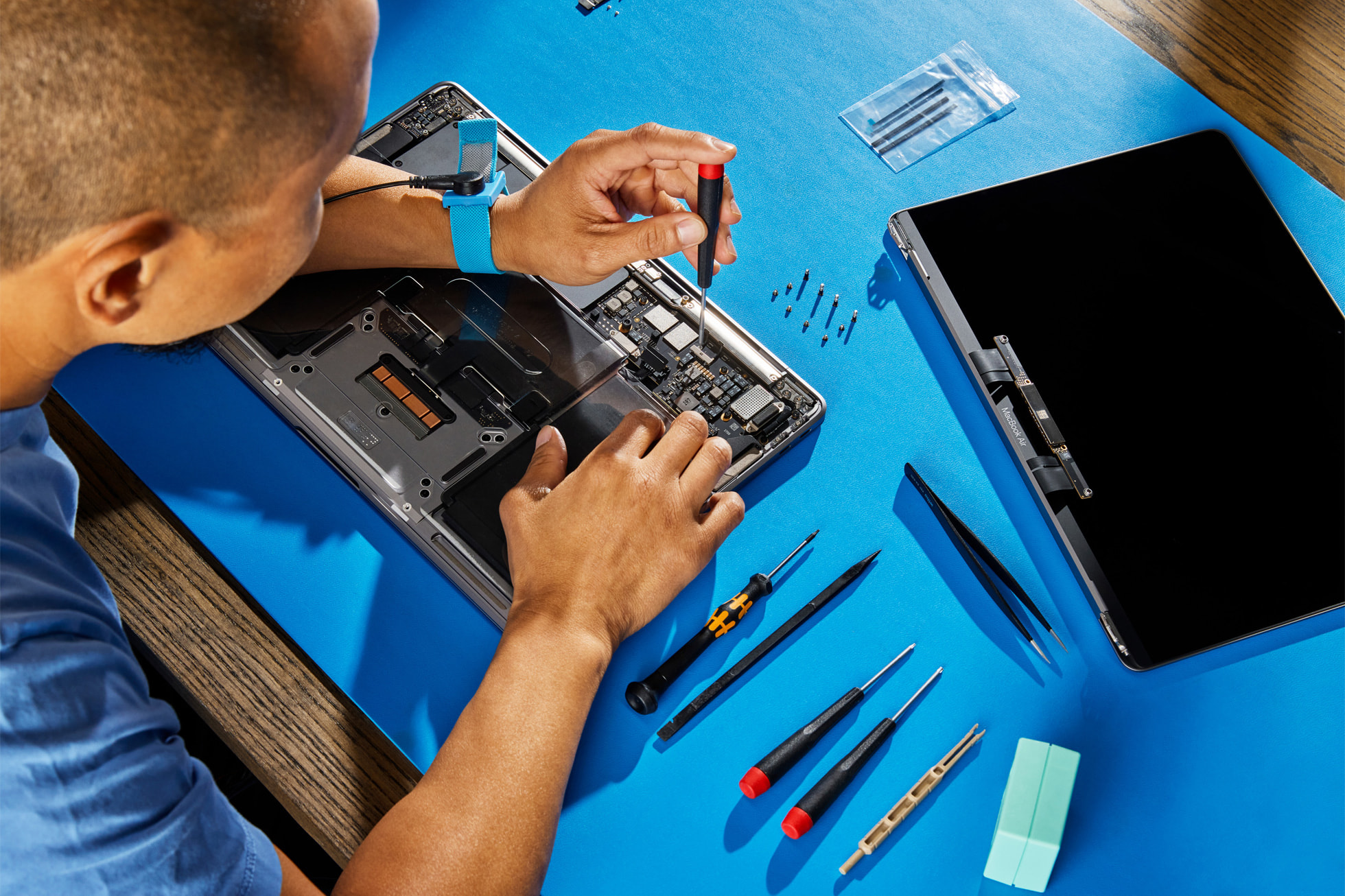
1. Check the Brightness
Press F2 (or Fn+F2) several times to increase screen brightness. It sounds simple, but a MacBook can appear to have a black screen if brightness has been set to zero — especially after an SMC or NVRAM reset.
2. Is It Sleeping?
Press any key or click the trackpad to wake it. If you see the screen briefly light up or hear fan activity, the Mac is on but the display may have a sleep issue.
3. Connect an External Display
Use a USB-C or HDMI adapter to connect your MacBook to an external monitor. If you see your desktop on the external screen, the problem is with your MacBook’s display panel or the cable connecting it to the logic board — a repairable issue.
4. Force Restart
Hold the power button for 10 seconds until it shuts down. Wait 5 seconds, then press the power button once. Sometimes a frozen GPU causes a black screen that a restart resolves.
5. SMC Reset
See the SMC reset instructions in our MacBook Won’t Turn On guide. An SMC reset can resolve black screen issues caused by power or display management faults.
6. Boot in Safe Mode
Apple Silicon: Hold the power button until you see “Loading startup options” → hold Shift → click “Continue in Safe Mode.”
Intel: Hold Shift immediately after pressing the power button until the login screen appears.
If Safe Mode shows a picture, a third-party app or driver is likely causing the issue.
Common Hardware Causes
- Faulty display cable — the ribbon cable connecting screen to board can fail with heavy lid use
- GPU failure — common on older Intel MacBook Pros (2011–2013)
- Backlight failure — screen is on but backlight is dead (you may see a very faint image with a torch)
- Cracked or failed LCD panel — needs screen replacement
MacExperts can diagnose the exact cause with our free assessment. We carry replacement screens for most MacBook models.